Not another exercise spreadsheet. Plan, workout, report and messaging form one loop. You lead, the app handles the details.
Day-by-day plans
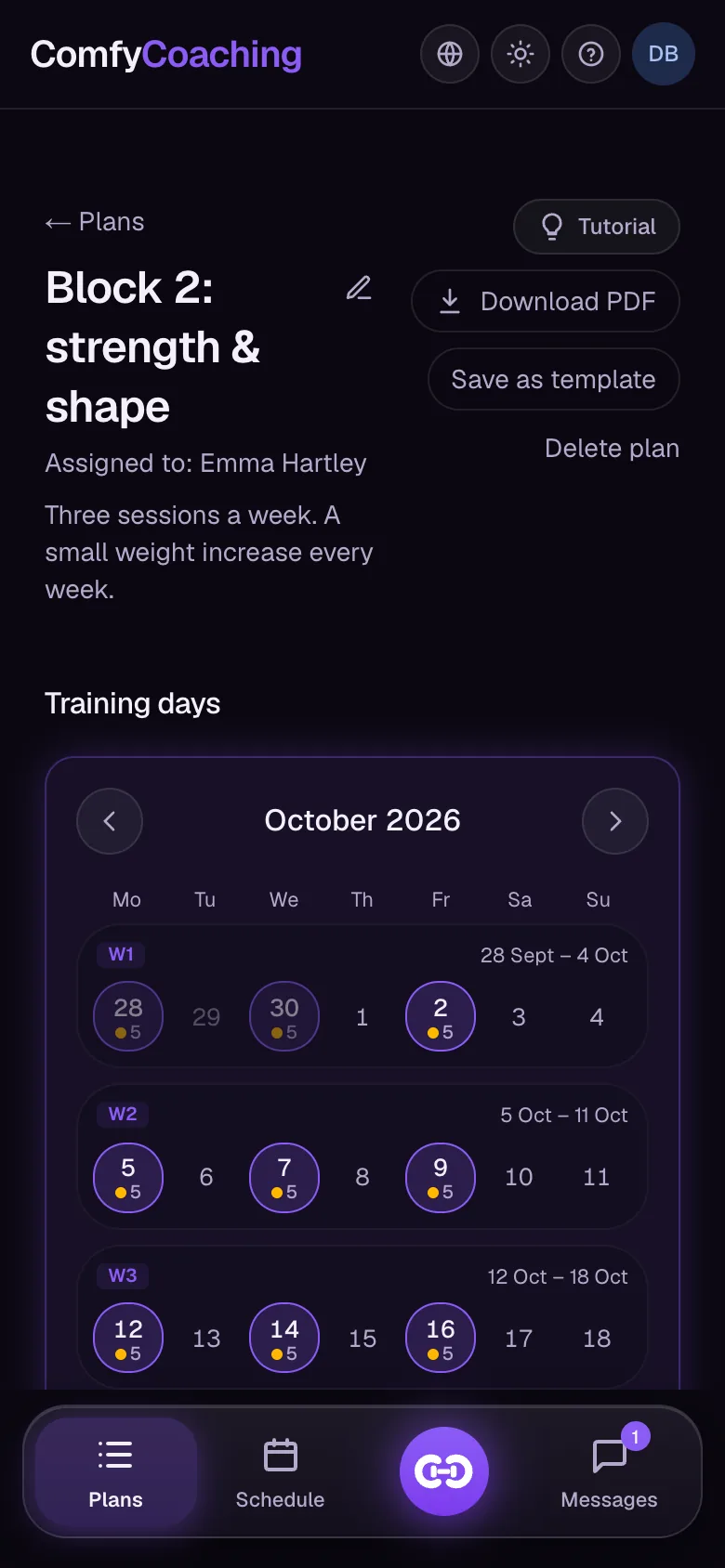
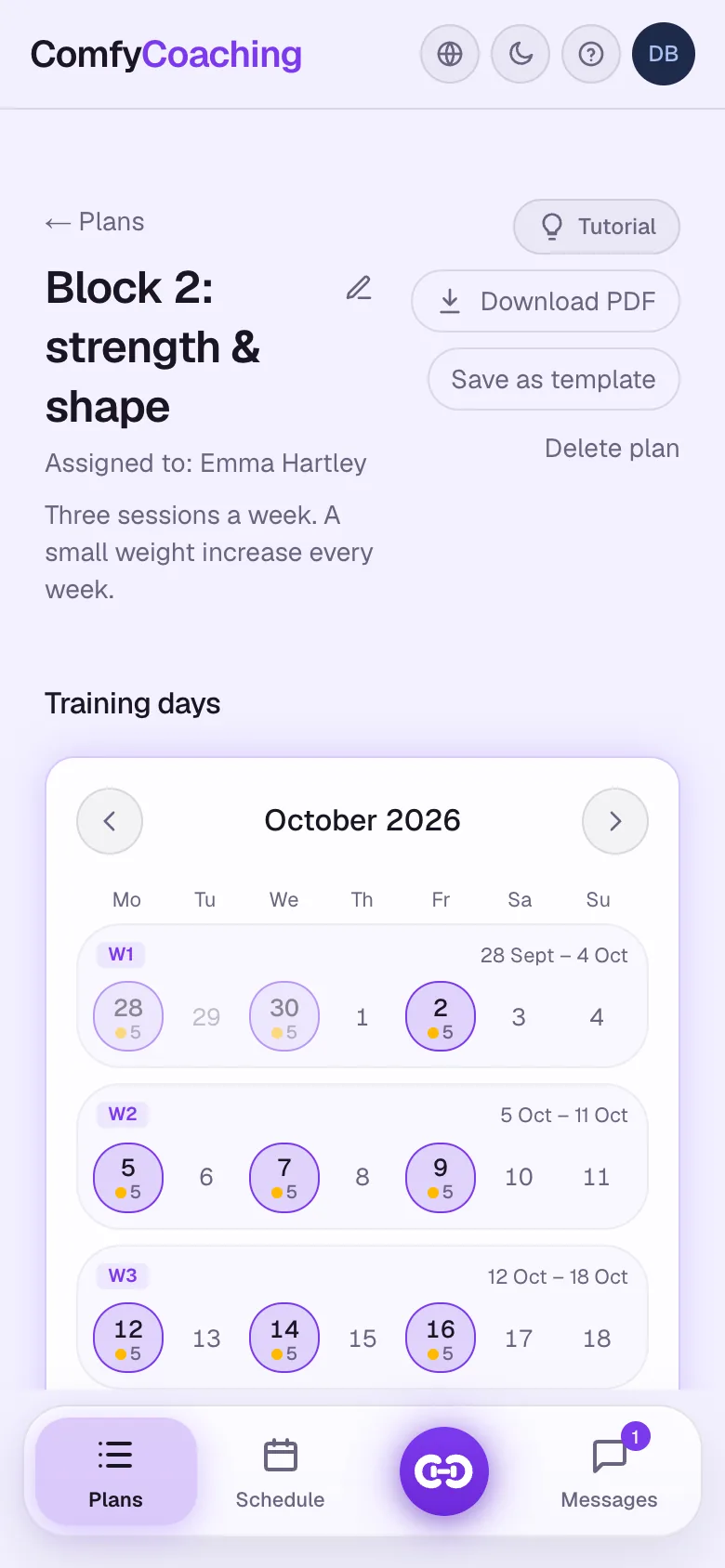
A plan that lives in the calendar
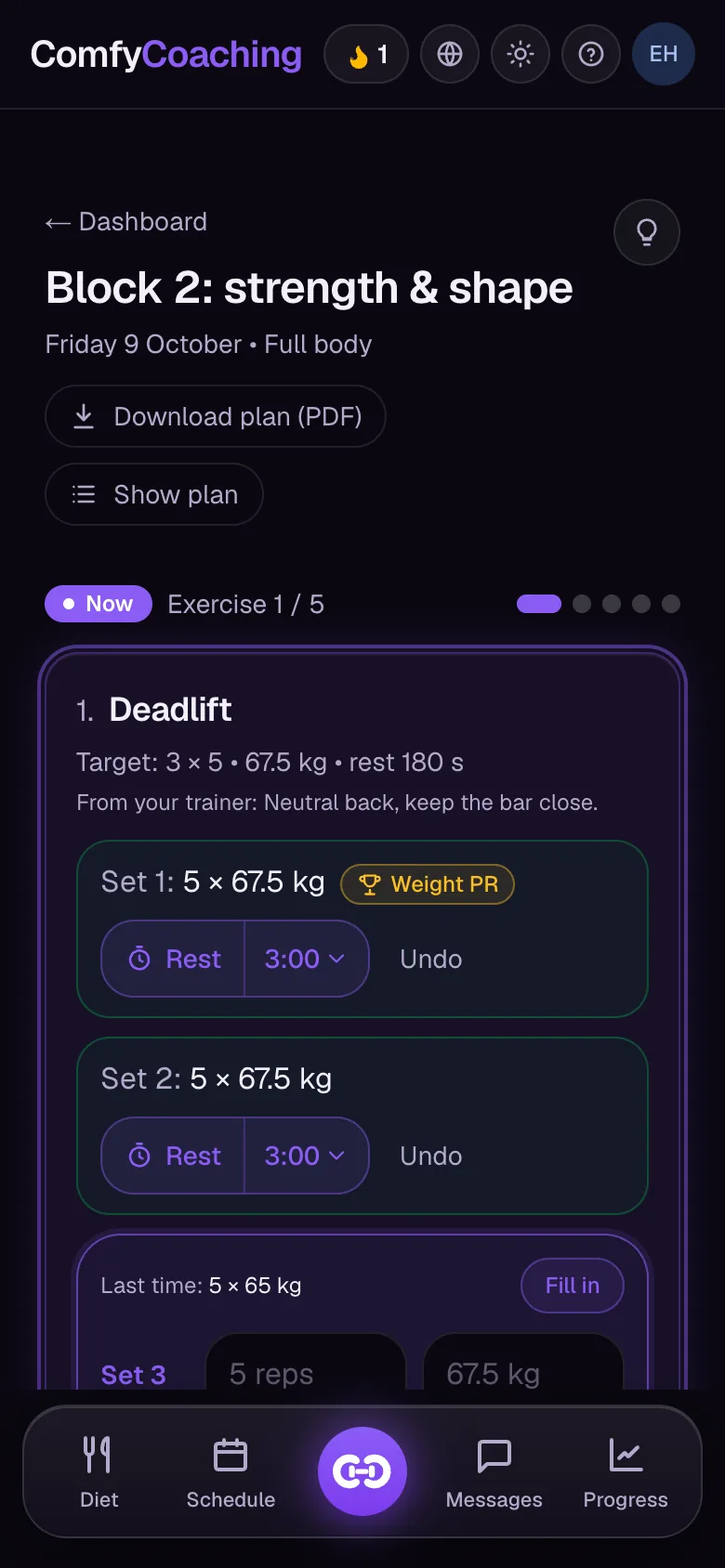
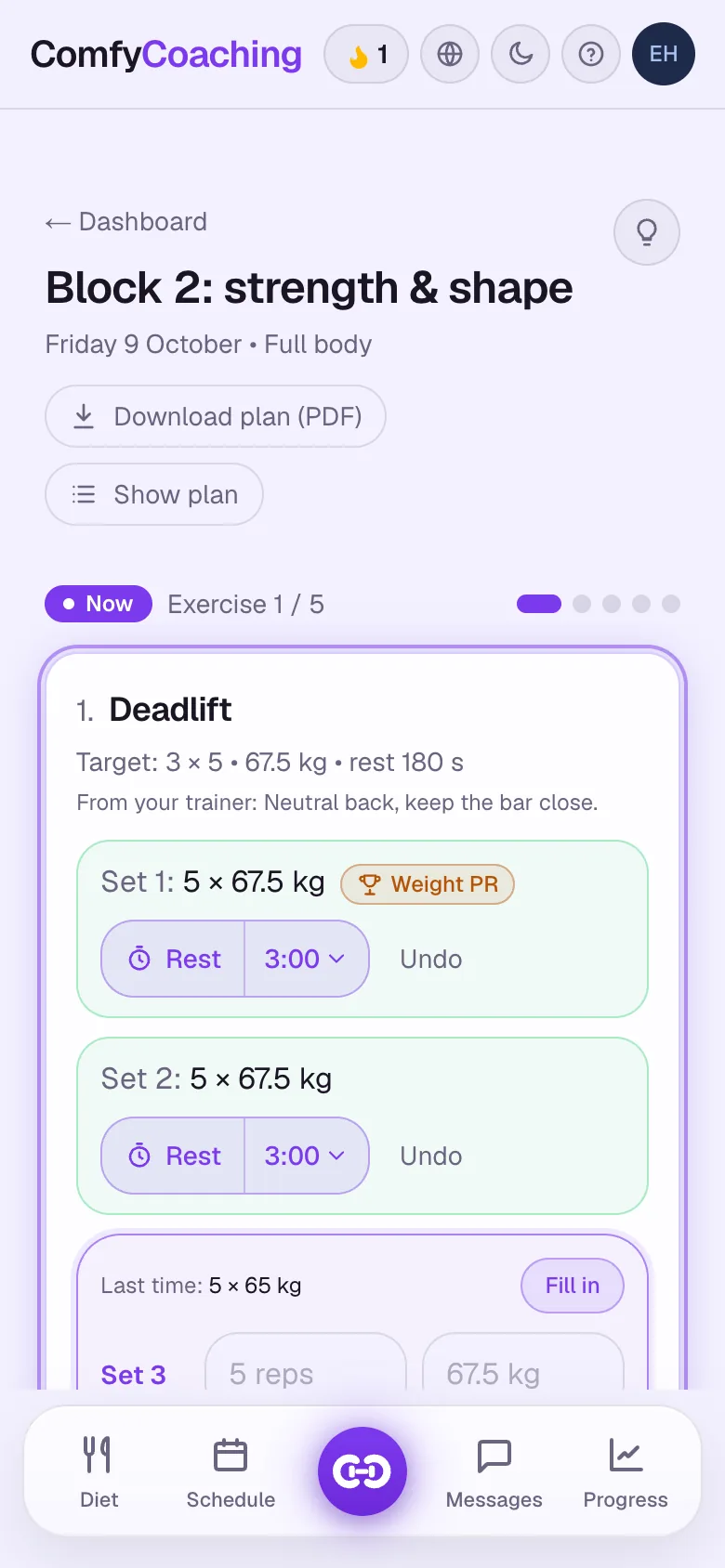
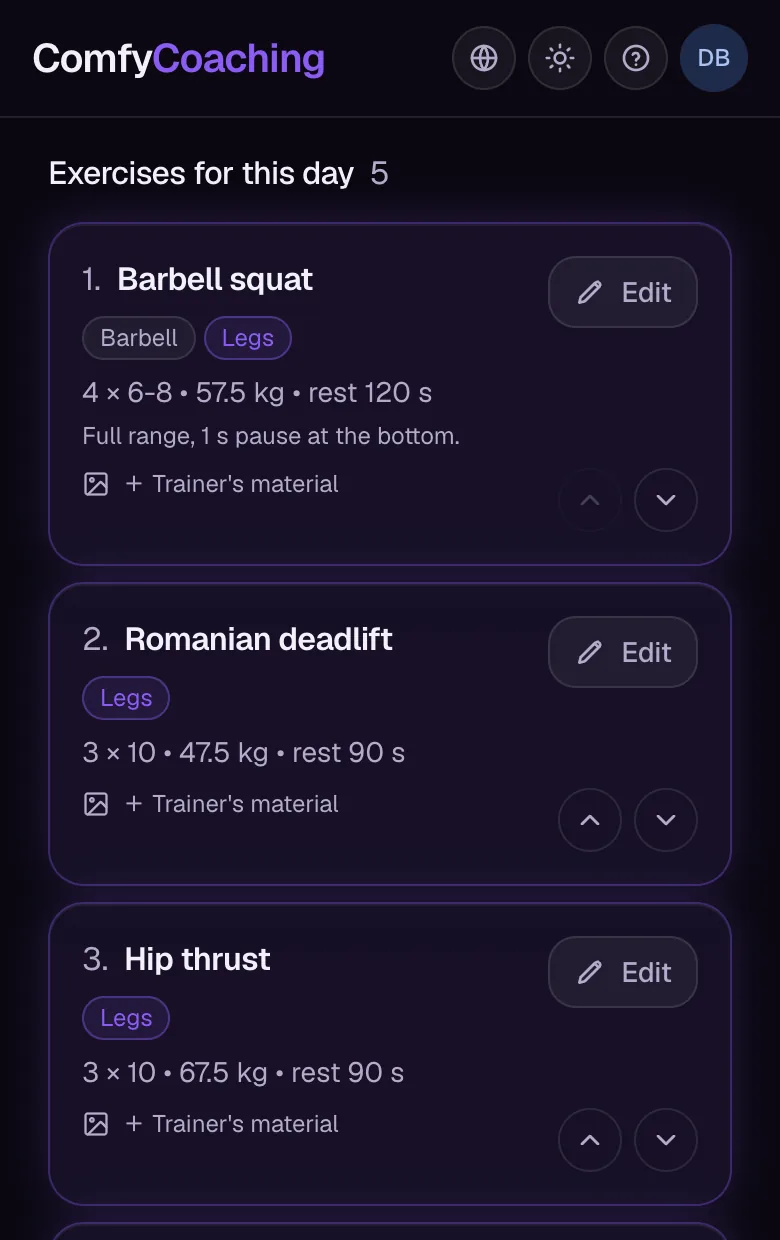
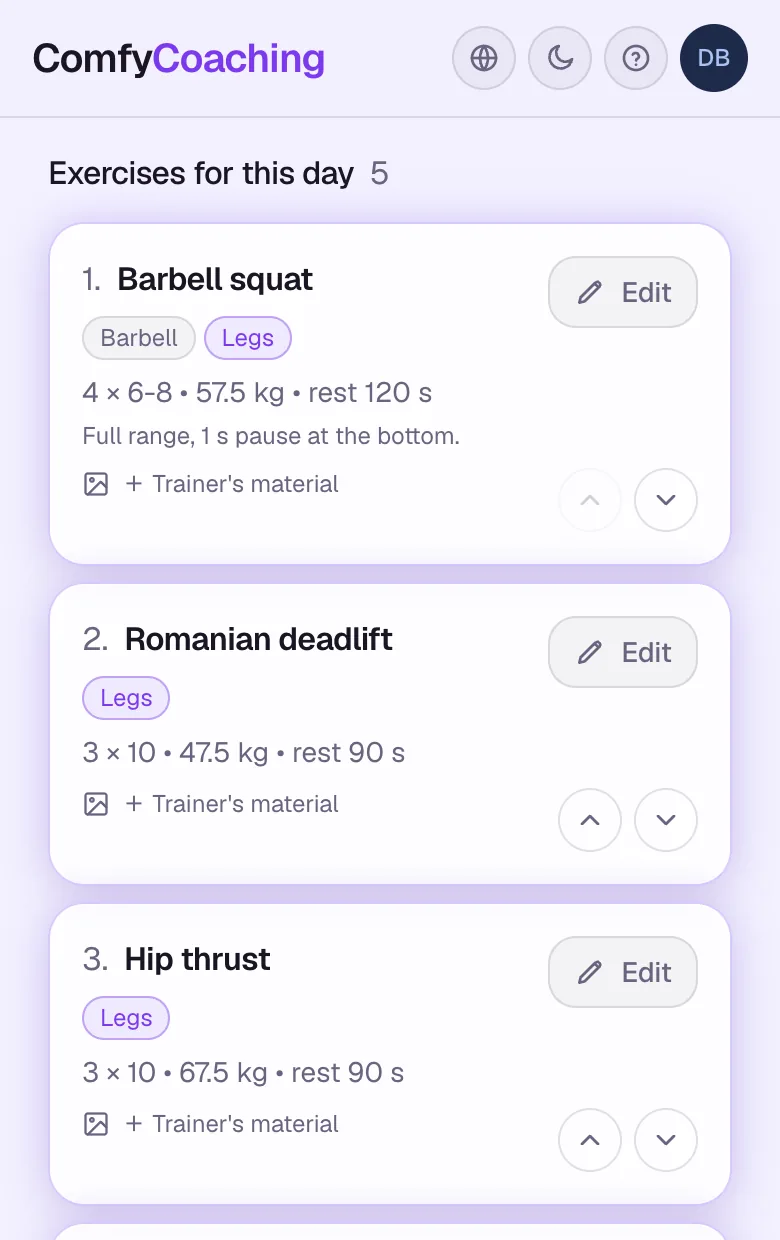
You program workouts for specific days, and your client opens the app to see exactly what to do today.
Warm-up, working and back-off sets, with weight and reps for each set
Copy a day or a whole week with automatic progression
Templates, your own exercise library and plan import from Excel
Post-workout report
Progression without mental math
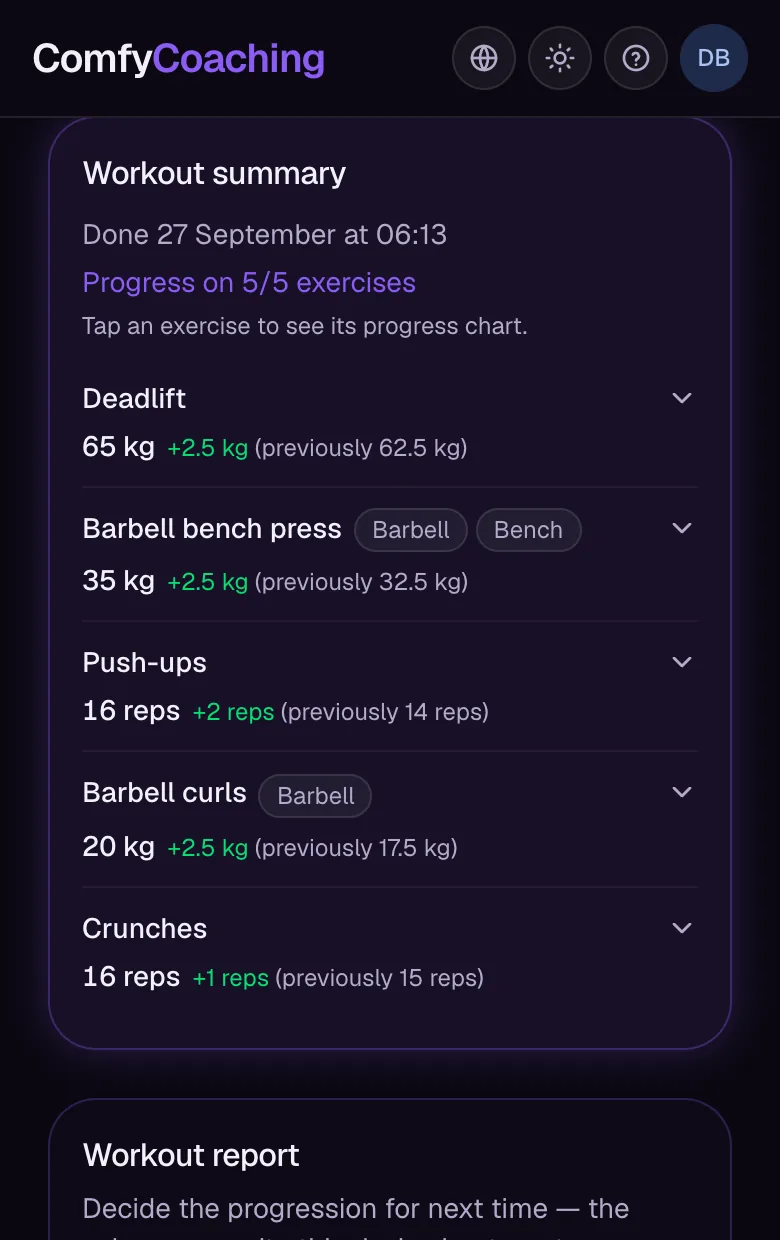
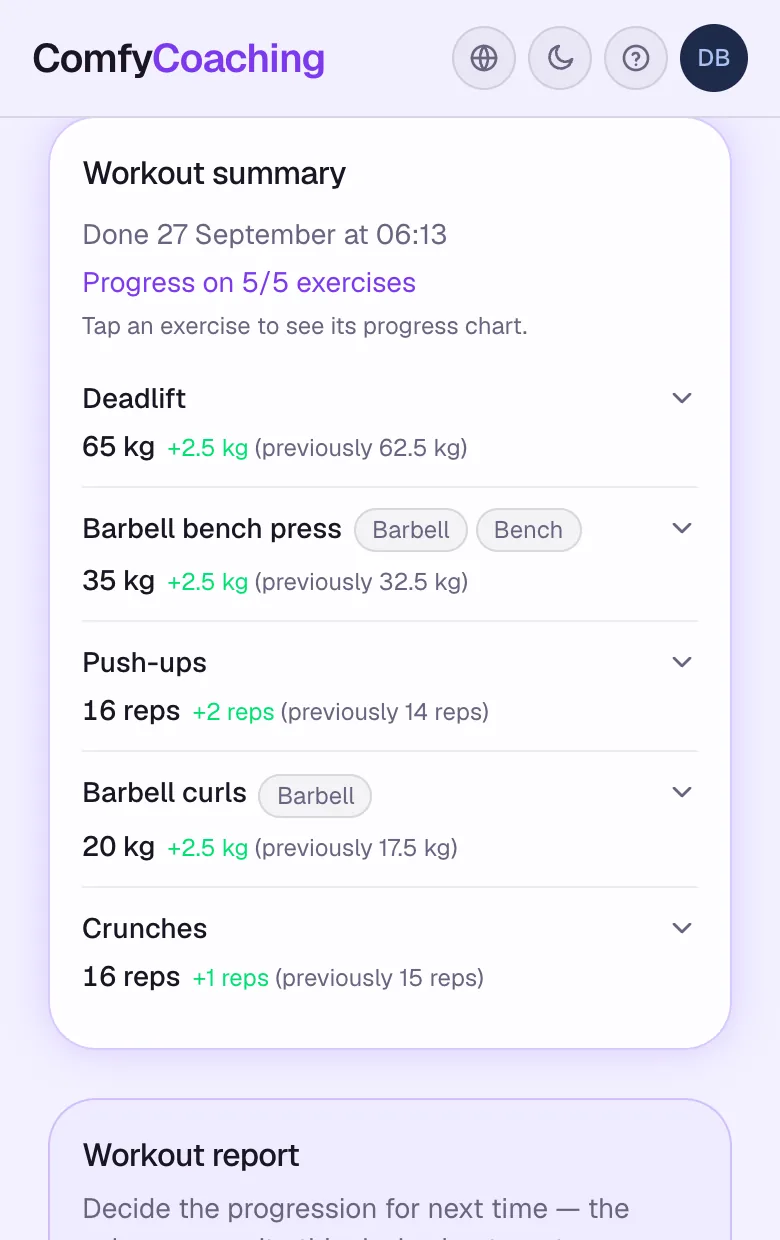
When your client finishes a workout, you get a report with their best results. Set the targets for next time and they go straight into the plan.
Best weights and reps from the session, exercise by exercise, with a progress chart
New targets in the plan with a “Progression from report” badge and the previous value
Workout note and PDF export of the report
Body analysis
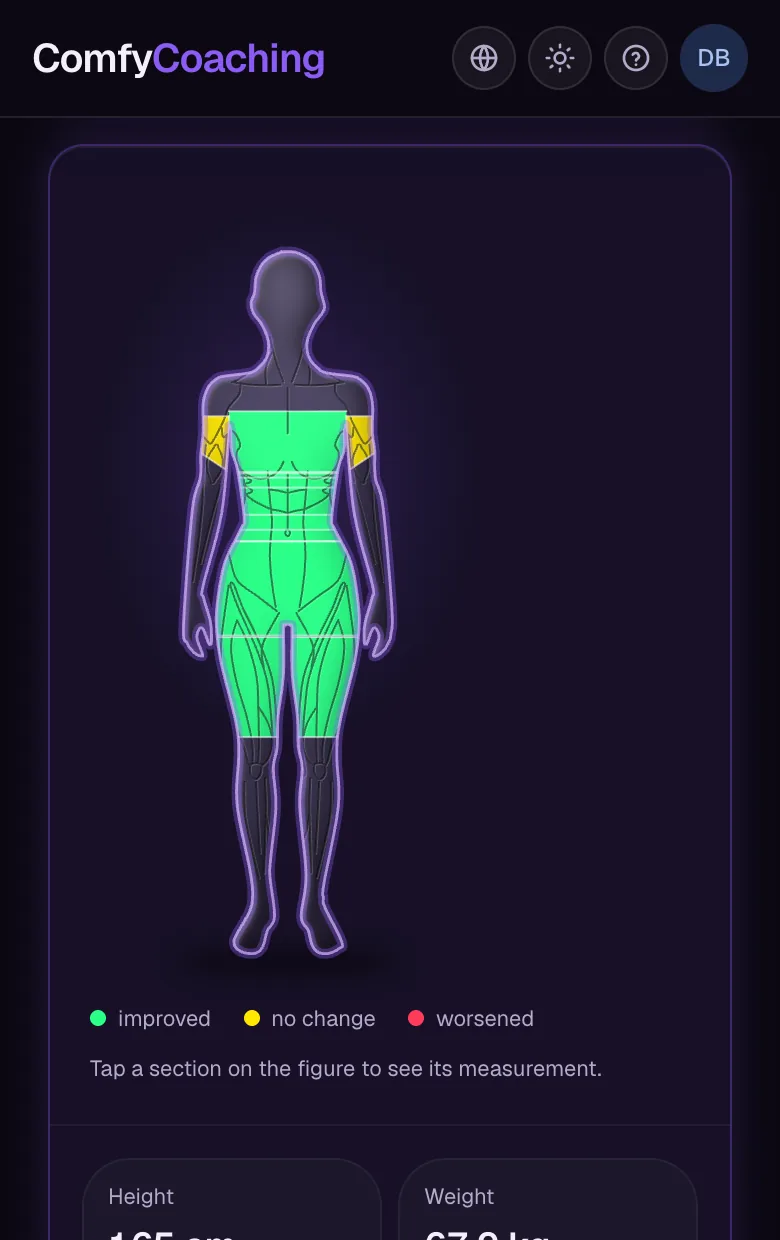
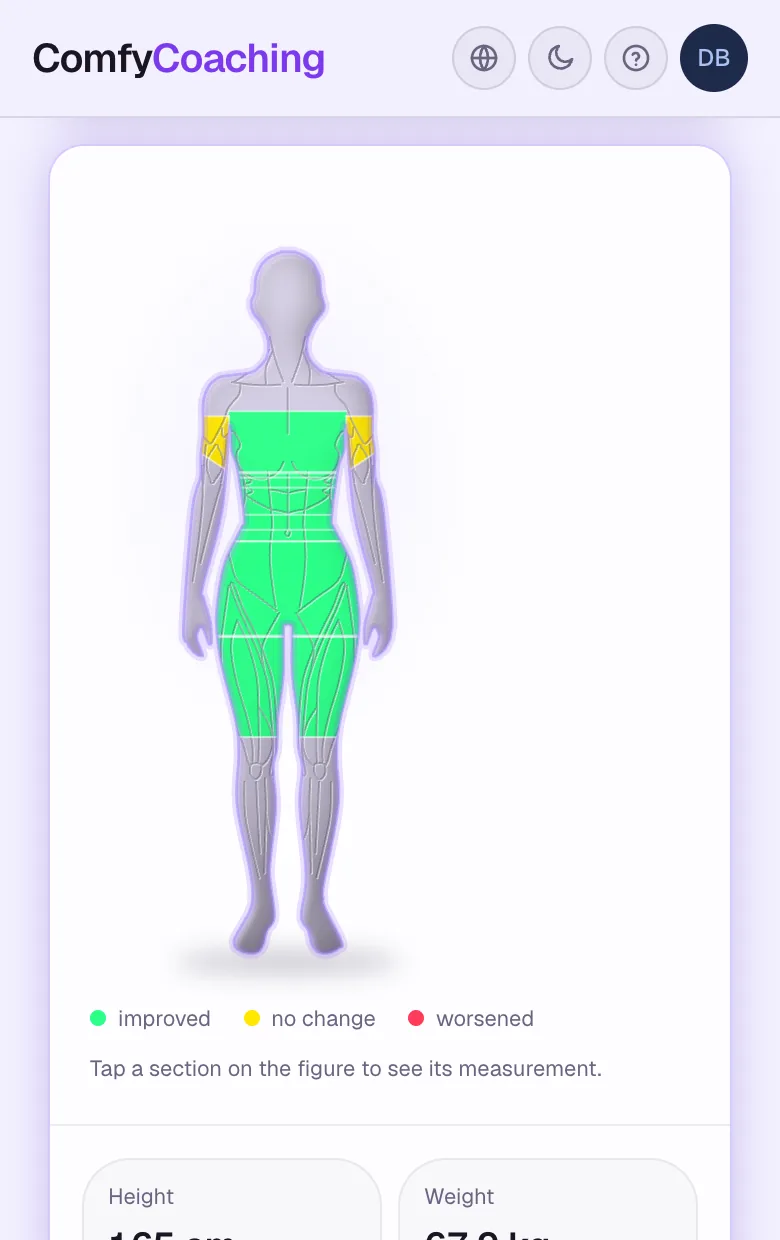
Progress you can see at a glance
Your client's figure highlights body areas based on measurements and their goal: cut, bulk or maintenance.
Colour shows the direction of change: better, unchanged, worse
Circumferences, weight, strength and progress photos in one place
Progress charts with an exercise filter
Messages
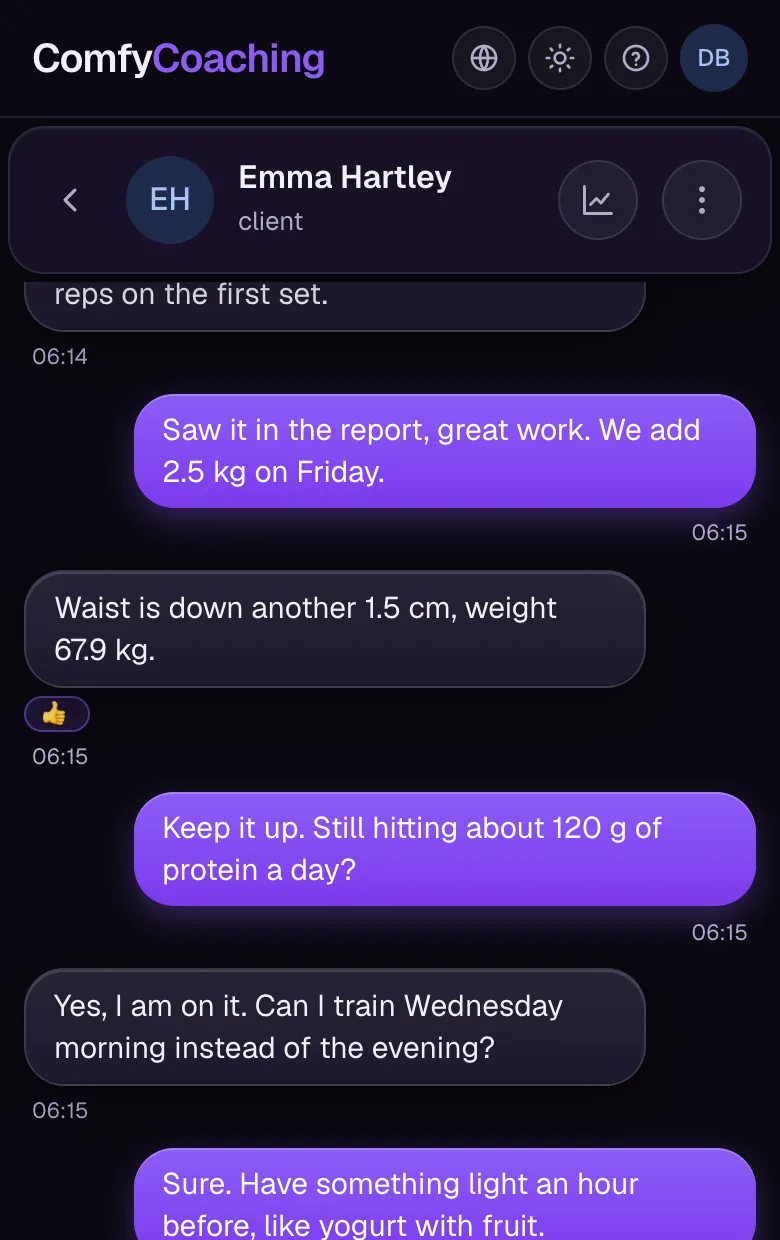
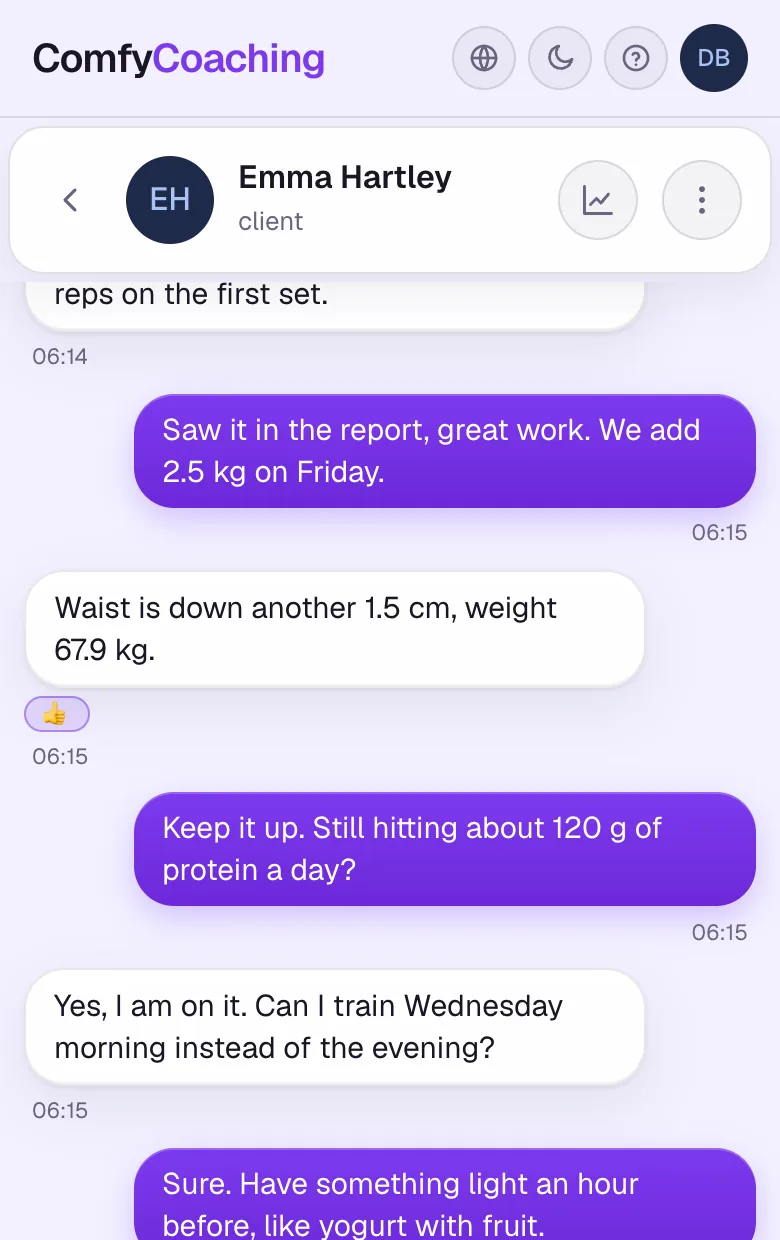
Stay in touch without switching apps
Chat with each client is part of the app, right next to the plan, diet and results, not in your private messenger.
Replies to specific messages, reactions and “read” status
Photos and attachments, push notifications
Edit and delete messages
New
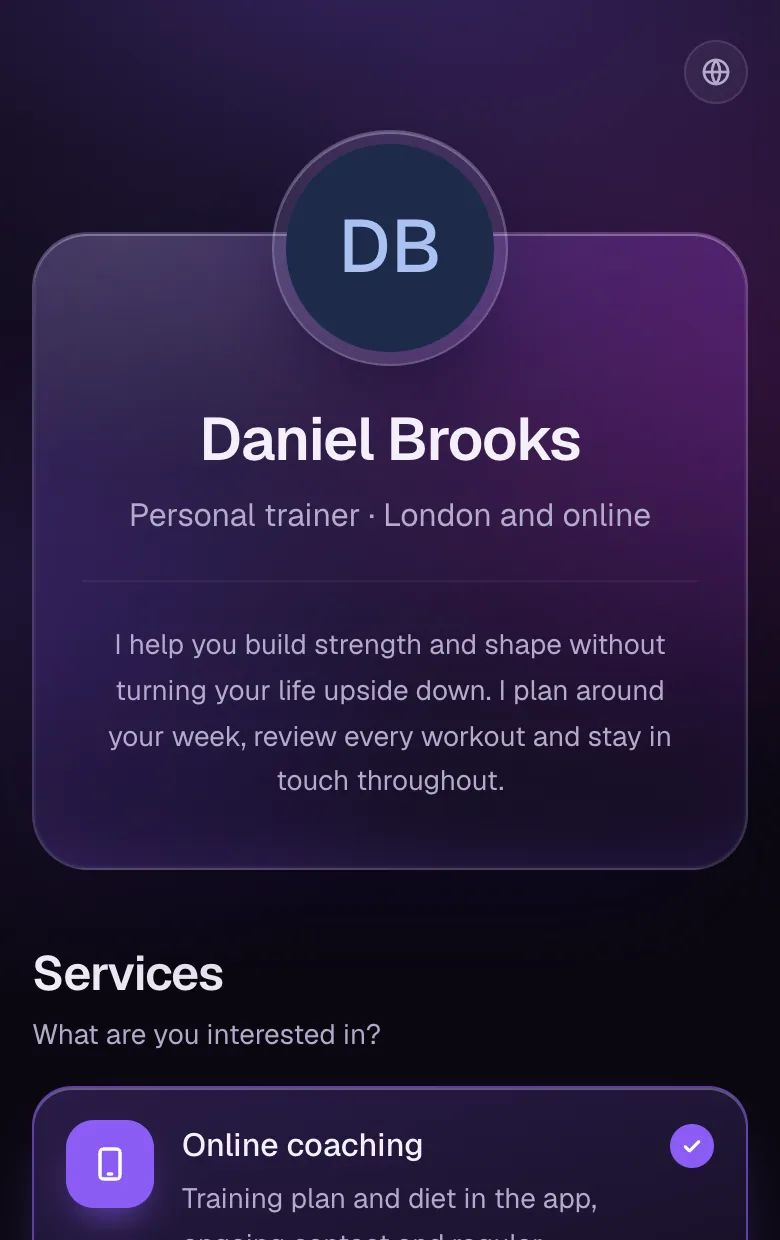
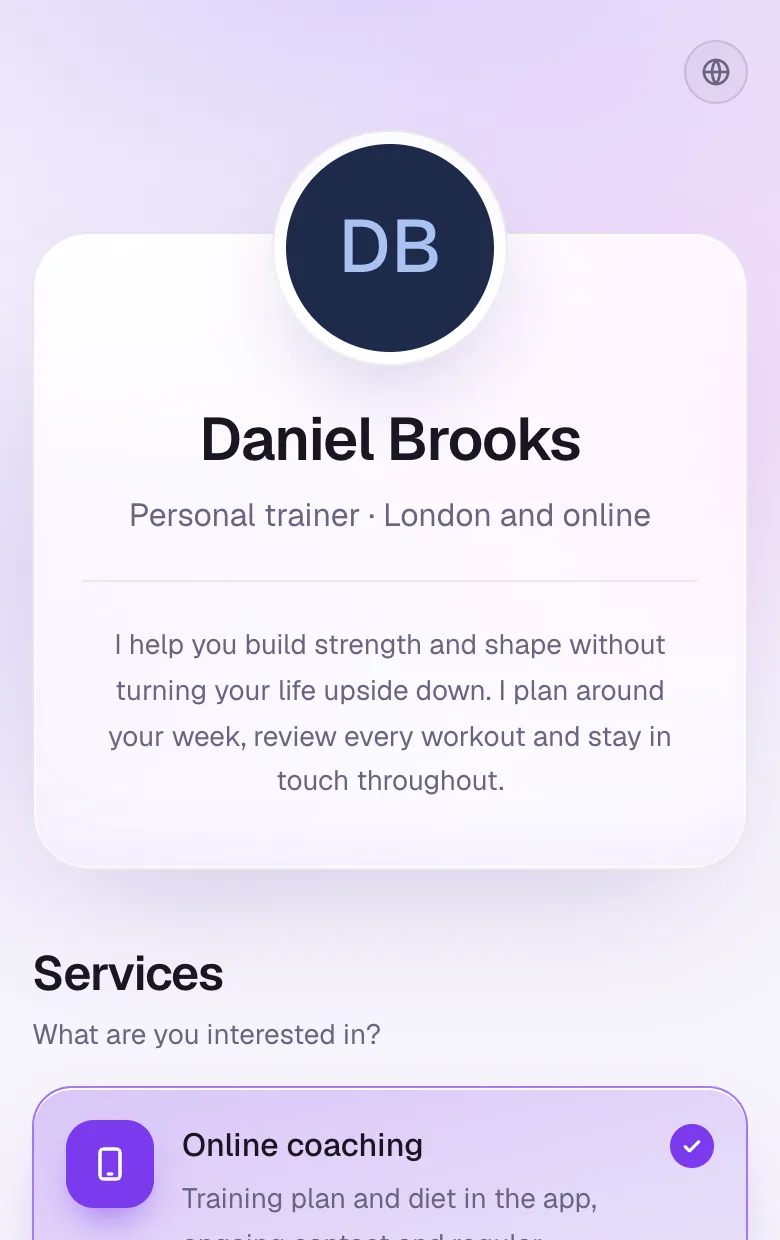
New clients come to you
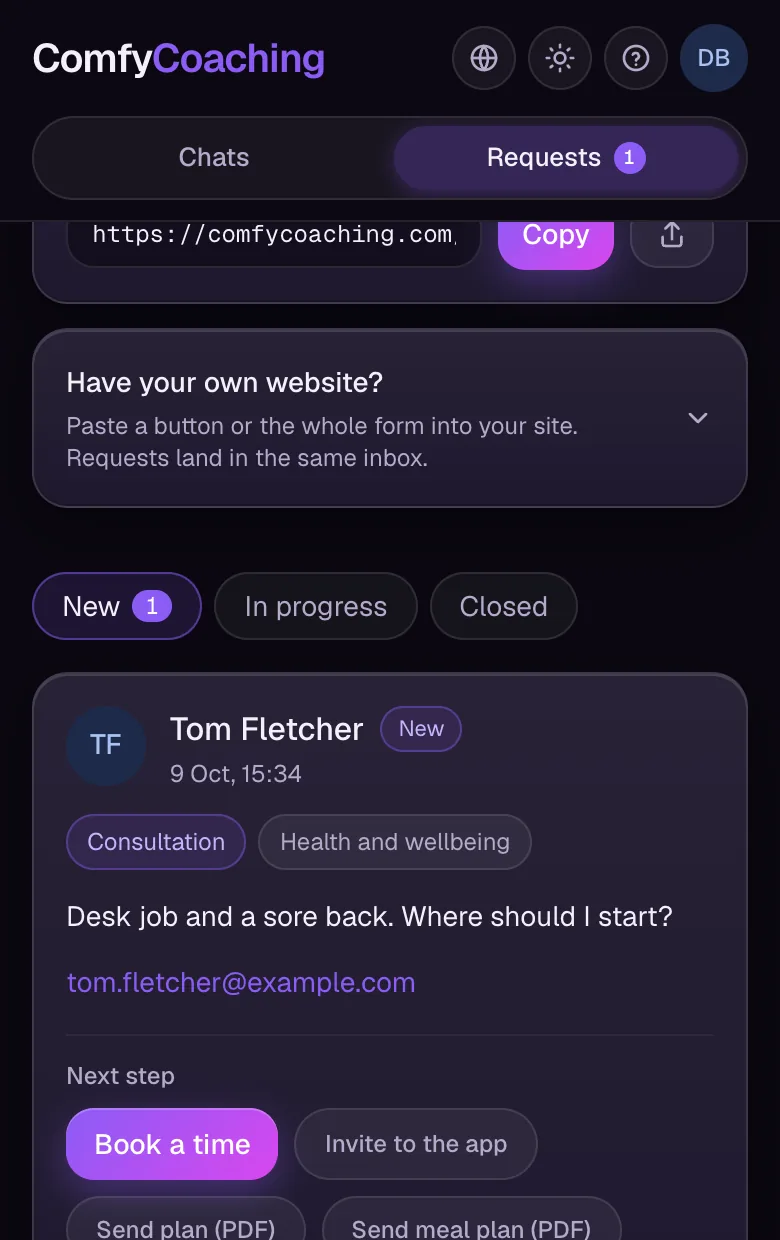
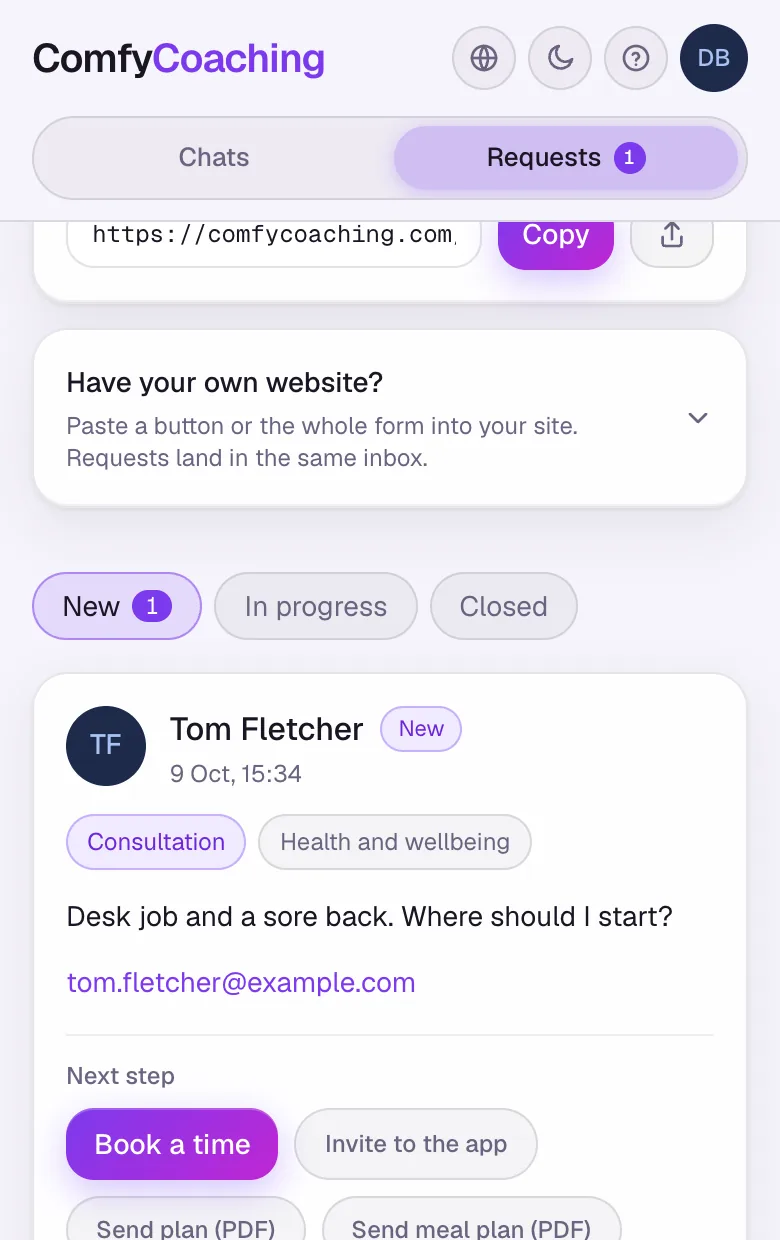
You get your own offer page at comfycoaching.com/your-name. Anyone interested fills in a short form, and the request lands in your inbox in the app.
A link for your bio or a form embedded on your own website
Prices shown right away or emailed after the request
Reply in one click: an invitation to the app, a plan as a PDF or a scheduled session
Requests are included in the Standard, Plus and Unlimited plans.
Nutrition and the day's plan, always at hand
A meal plan with a calorie target, a schedule for the whole month and widgets on the phone screen. Your client knows what to eat and what to do today.
Meal plans
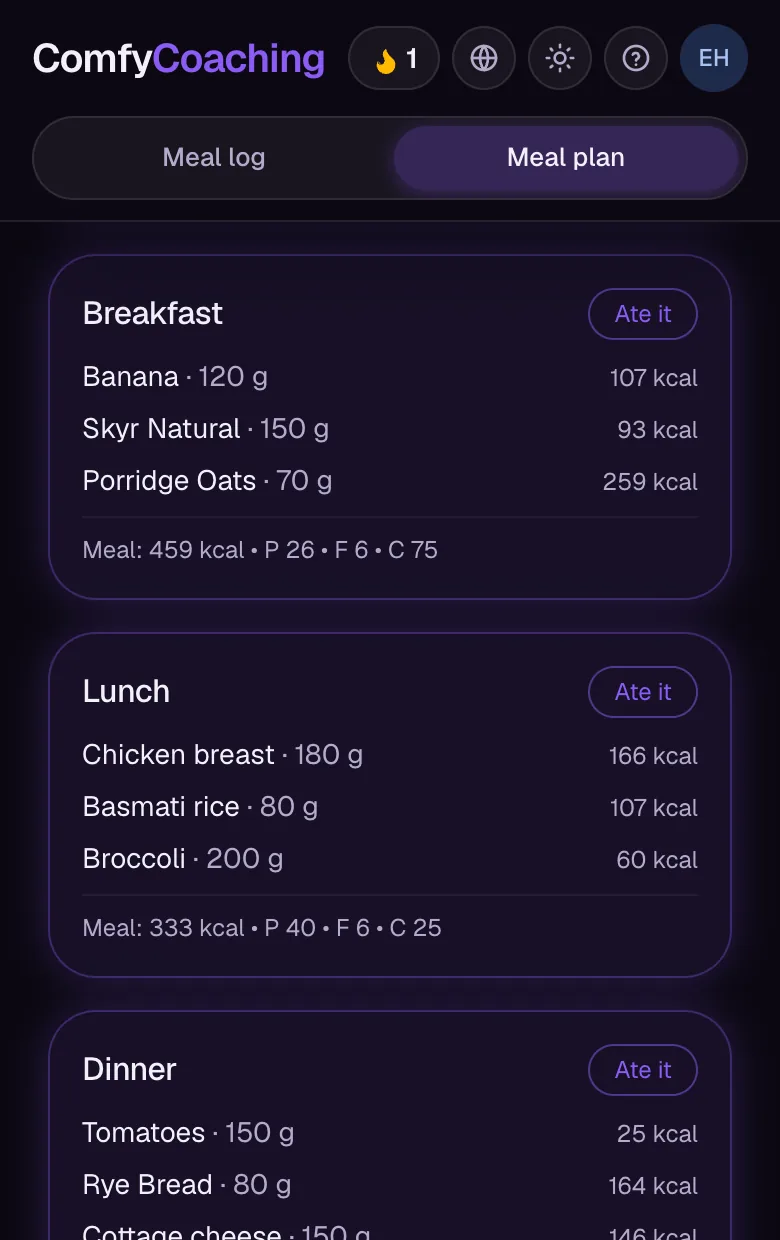
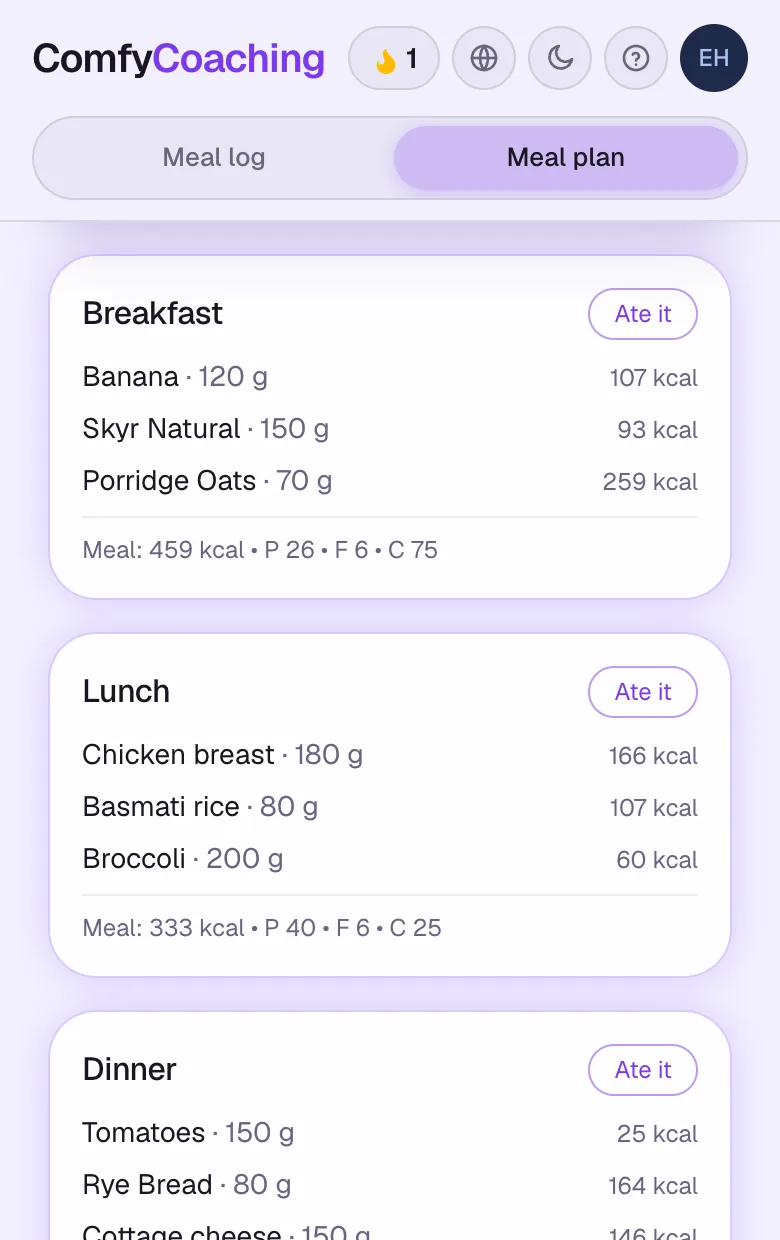
A meal plan your client ticks off
Build a plan for 1 to 7 days from products and recipes, with a calorie and macro target for each day. With “Ate it”, your client logs the whole meal in one tap.
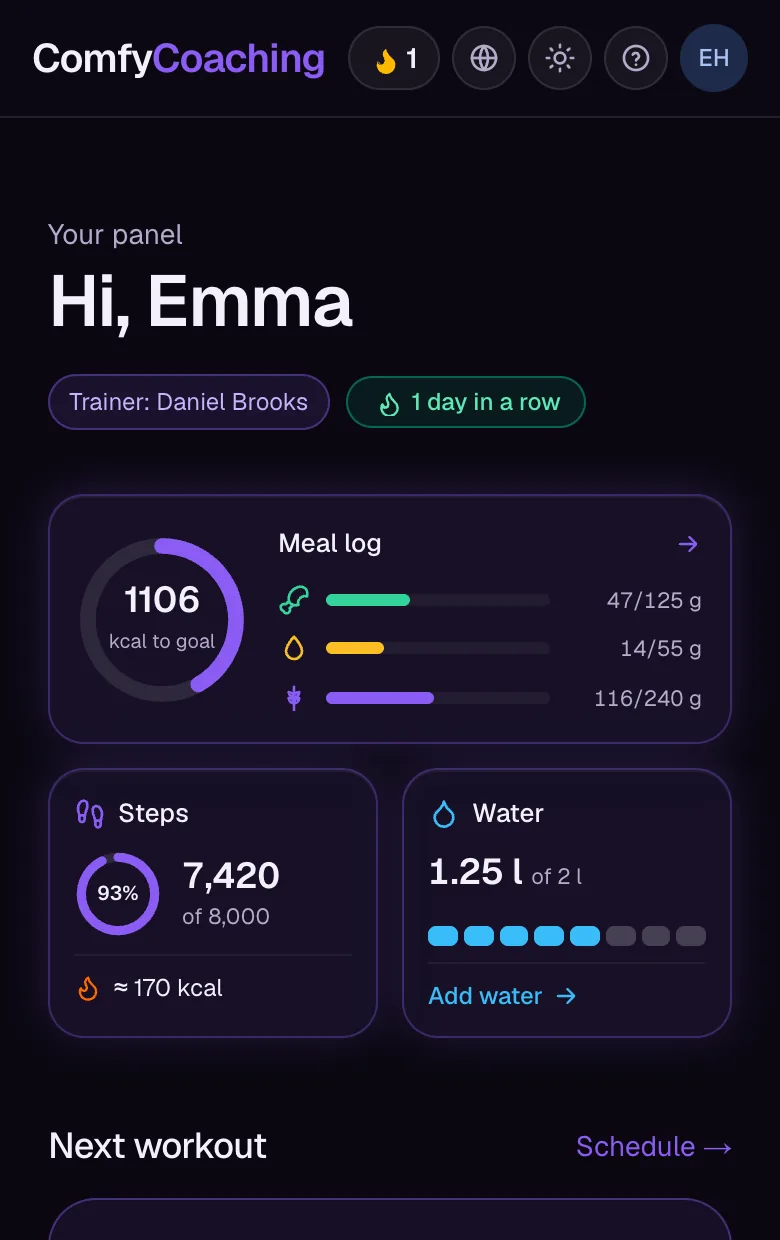
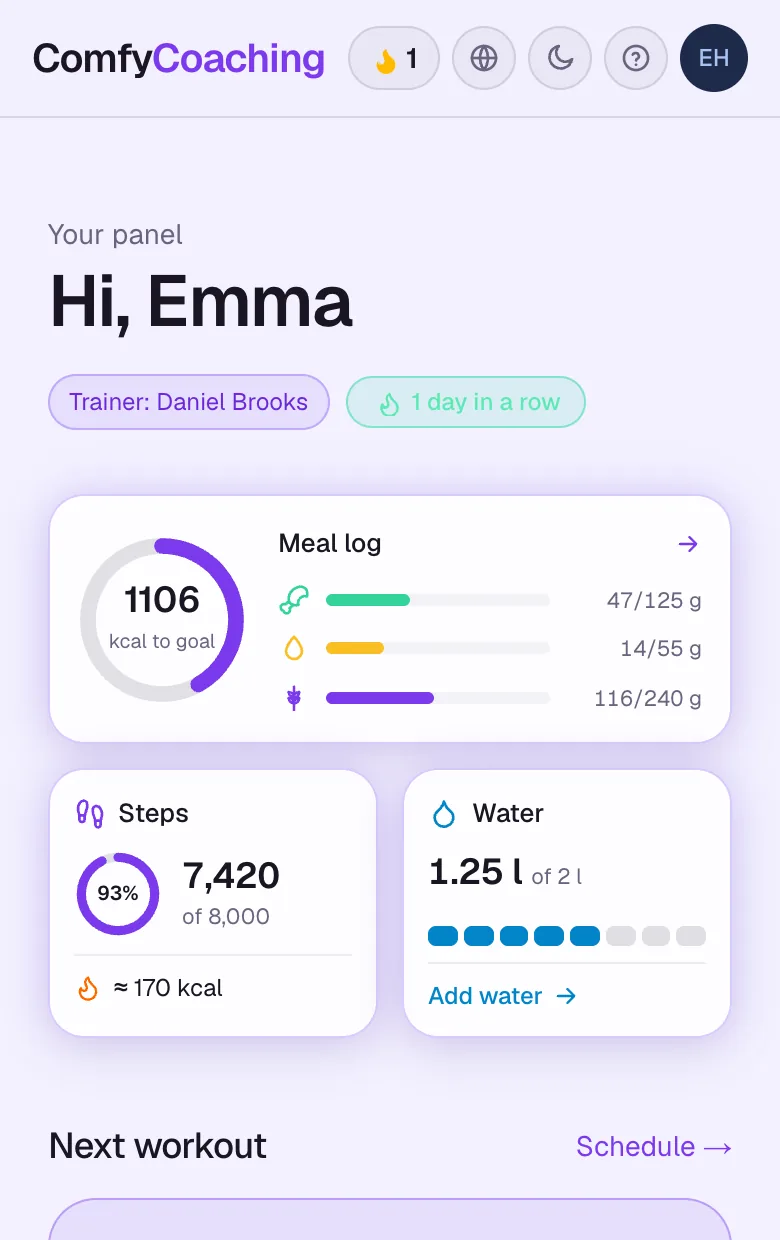
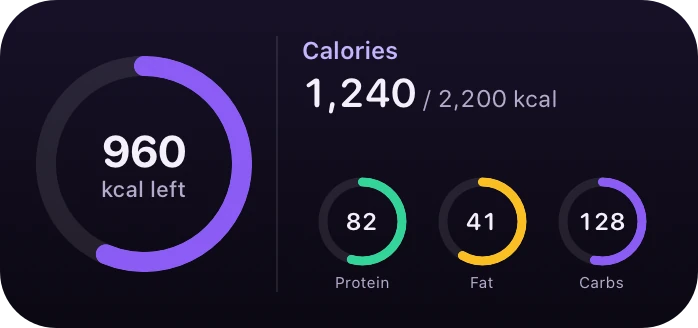
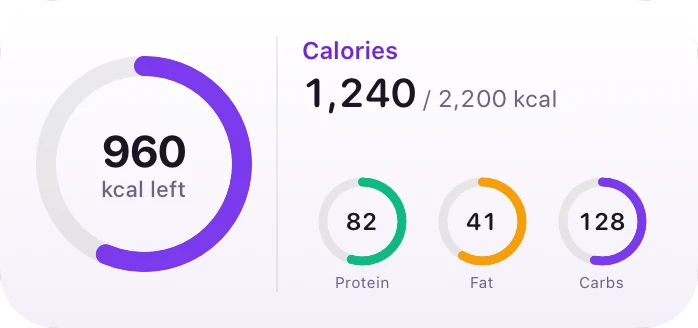
Calorie ring
What's left to the goal, at a glance
The ring shows calories eaten and left to the goal, and the bars show protein, fat and carbs. You set the target, your client adds meals, also with the barcode scanner. Steps, also from Apple Health, and water intake sit right next to it.
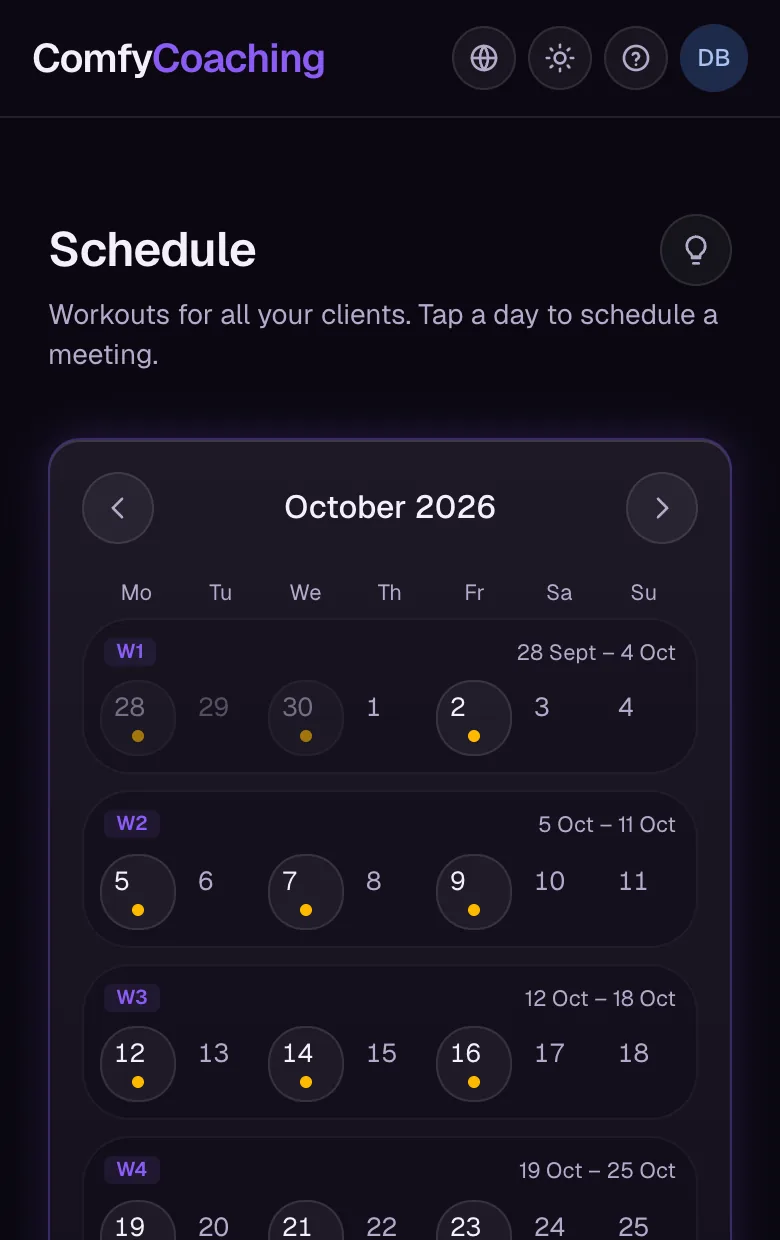
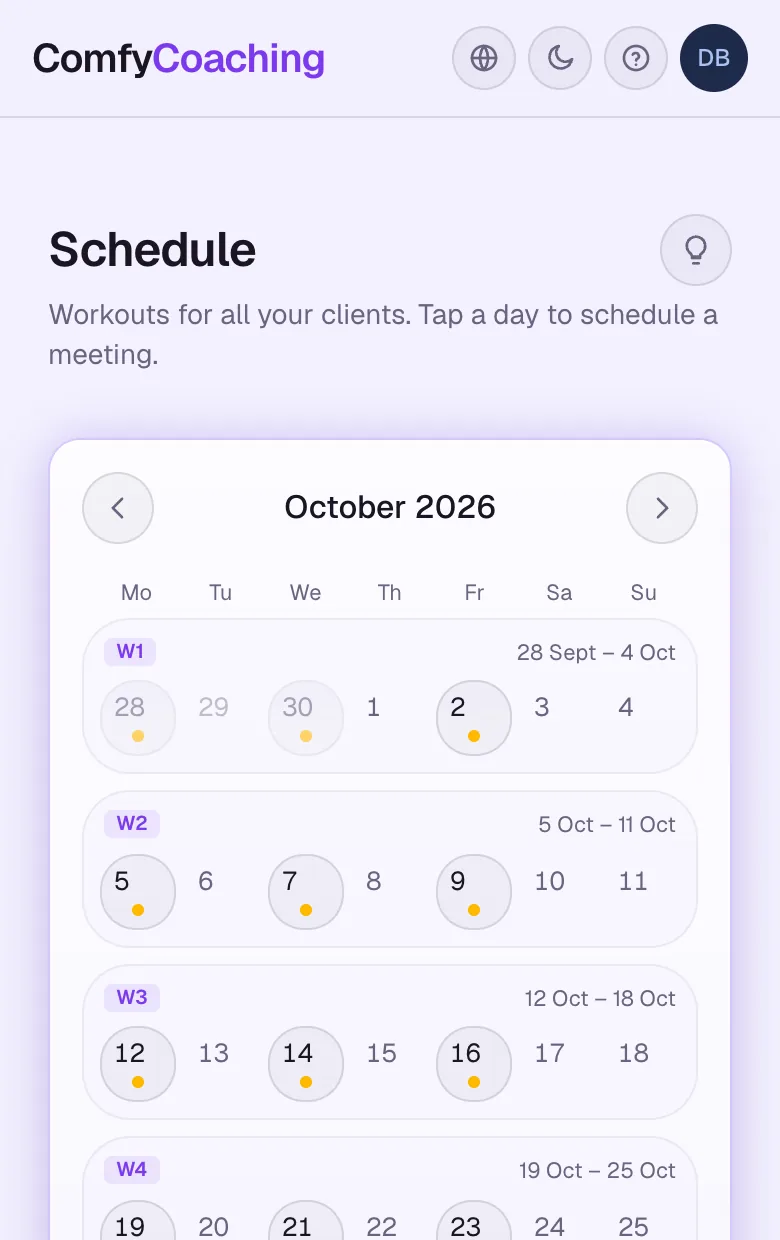
Schedule
The whole month on one screen
Workouts for all your clients and online meetings in one calendar. Tap a day to schedule a meeting, and your client joins in one click.
iPhone widgets
The day's plan without opening the app
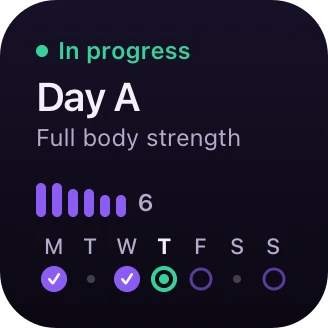
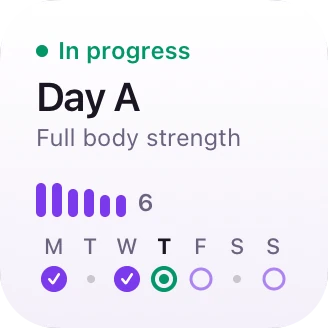
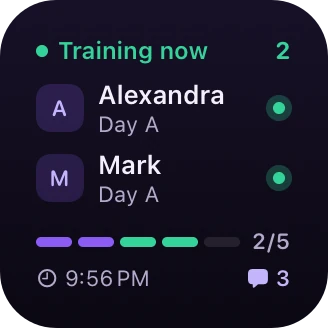
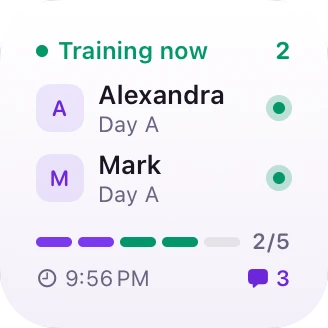
Widgets for the Home Screen and the Lock Screen: today's plan, the next workout and the calorie ring for your client, and for you a list of people training right now.
Everything else is covered too
PDFs, an exercise library, group messaging and trainer connections, without separate apps.
Plans and meal plans as PDF
Download a workout plan or a meal plan as a PDF in your chosen colour, with a note from you. Handy when someone buys just the plan.
Live workout
You see sets as they happen while your client trains. One tap from them says it's too heavy, and you send back a cue.
Trainer connections
Add other trainers by code, link or QR, chat with them and send each other ready-made exercises and plans.
Exercise library and templates
Your own exercise library, reusable plan templates and import from Excel.
Broadcast messages
One message to many clients at once, e.g. about changed hours or a new plan.
In your client's language
Everyone uses the app their way: in Polish, English, Spanish, German or French.
Workout on the lock screen
Your client sees the current exercise and rest timer on the lock screen and in the Dynamic Island, without opening the app.
Equipment on every exercise
Cable, bench, dumbbells or your own gear. Short labels instead of long names, plus a filter in the library.
Holds counted separately
Timed sets get their own result in the workout summary, so they don't skew the comparison with previous days.
Three steps to your first client
You start in the browser. Nothing to install.
1
Create a trainer account
Free, in a minute. Just an email.
2
Invite a client
You send an invitation link. The client signs up and you're connected automatically.
3
Coach in one place
You build the plan and diet, with the workout, progress and chat at hand, without logging into the client's account.
Pricing
Pay for the clients you actually coach
You start free with one client. Paid plans give you more seats and the Requests module, billed monthly or once a year.
You start on the free Free plan: 1 client, no Requests or offer page. Paid plans, billed monthly or yearly, depend on the number of active clients: Standard (up to 5), Plus (up to 20) or Unlimited (no limit).
Do my clients have to pay?
No. Clients use the app for free as part of your subscription. They create an account through the invite link you send them.
Do I need to install an app from a store?
No. ComfyCoaching works in the browser on your computer and phone. On your phone you can add it to the home screen and use it like a regular app. Google Play and App Store versions are in the works.
How do I move my plans over from Excel?
Upload an .xlsx, .xls or .csv file in any layout and match the columns, and the app turns it into plans, one per day. The file never leaves your browser.
Where is my clients' data stored?
On servers in London (United Kingdom) — the European Commission recognises that the UK provides an adequate level of personal data protection. Connections are encrypted and data is isolated at the database level: clients see only their own data, and trainers only their own clients. See the privacy policy for details.
What if I stop working with a client?
Deactivate them with one click. They disappear from your active list and don't count towards your plan limit, but their data stays, so you can restore them at any time.
Can I cancel anytime?
Yes. Cancel your subscription in the billing panel and the next period won't be charged. Payments are handled by an external provider, which issues the invoices.
Which languages does the app support?
Polish, English, Spanish, German and French. Everyone picks their own language, and you can set the language for each of your clients.
What are Requests?
Your own offer page at comfycoaching.com/your-name plus an inbox in the app for people interested in working with you. You paste the link in your bio or embed the form on your own website. From there you invite the person to the app, send them a plan as a PDF or schedule a session. Requests are included in the Standard, Plus and Unlimited plans.
Ready to start?
Create a trainer account and bring your first client over today.